First step into world building is creating the right shapes.Focus in blender on modelling and the modifier portal
Iteration 1:
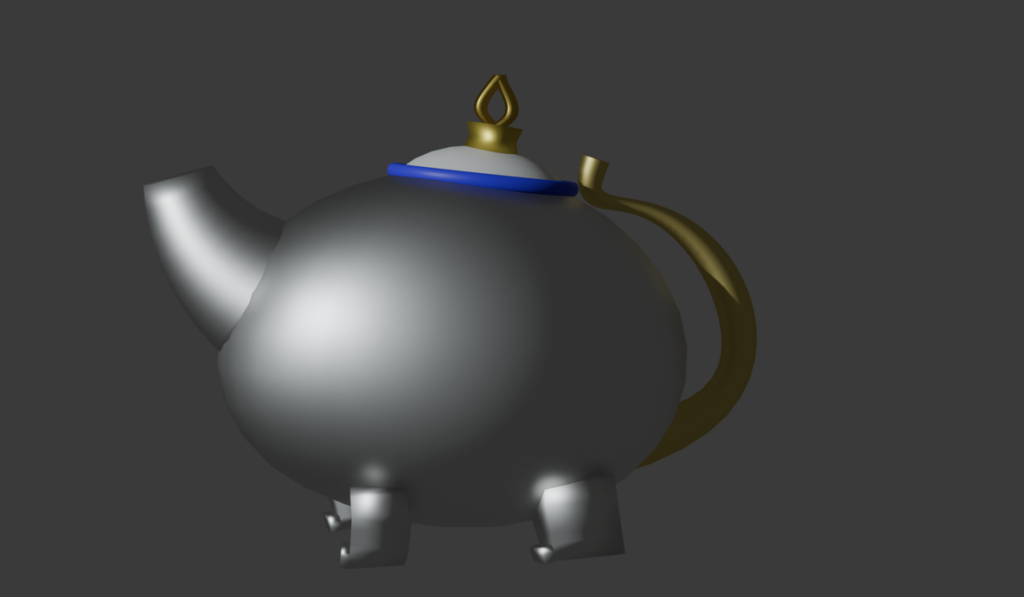
First iterating with added materials: made with the basic shapes and tools. First try of render viewport. It looks like a regular teapot without the fantasy aspect.
Iteration 2:
For the second iteration I started to look more into the details of the different shapes of the teapot.
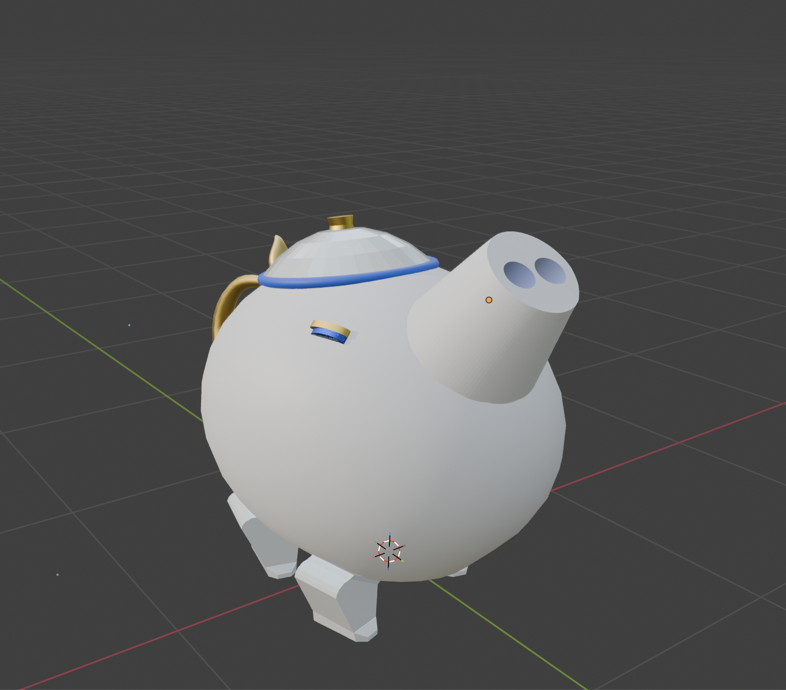
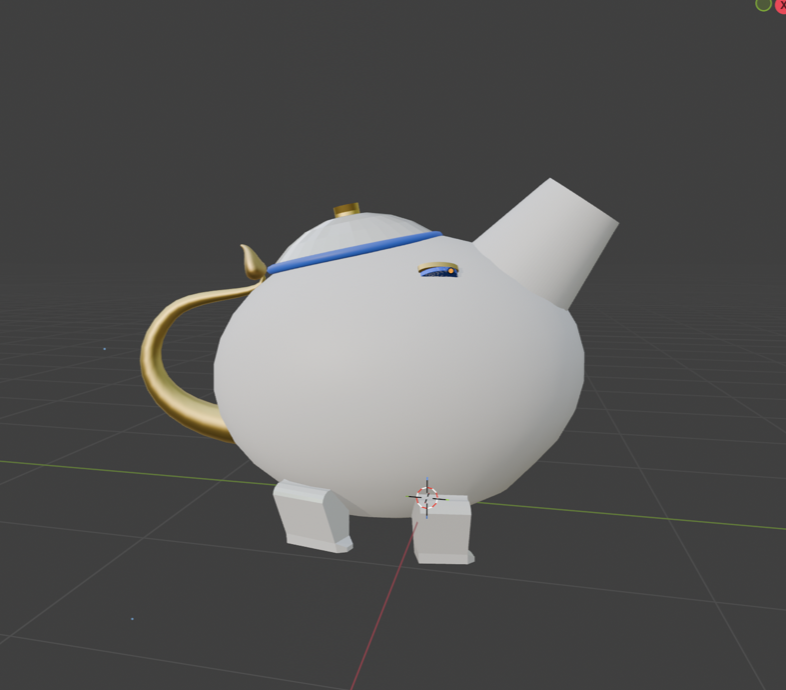
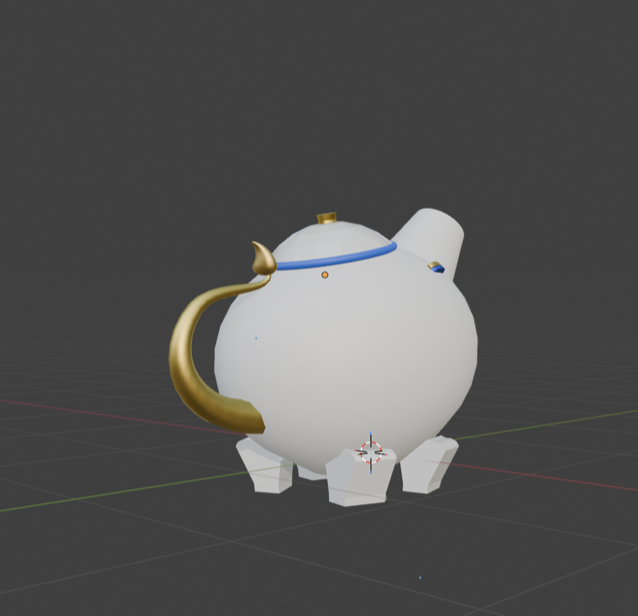
First I focused on the noise and I tried to put the holes into to it. That worked but at my first try I couldn’t bend the shape. In my second try I started with the cilinder shape instead of the cube shape. After I put the holes into it, the bending worked. So I tried to match to colours of the inside and outside of the nose with the original one.
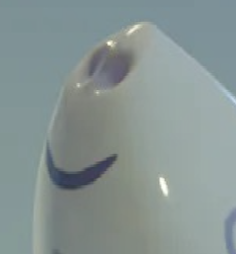
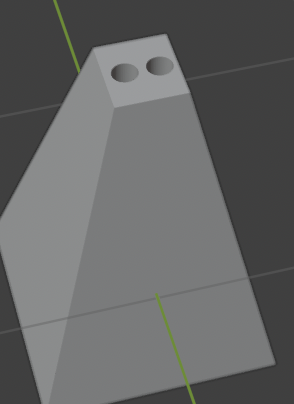
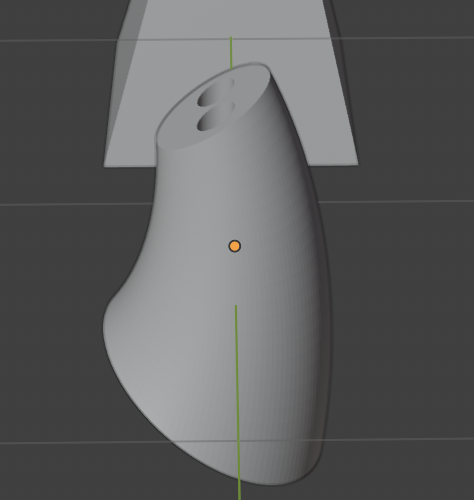
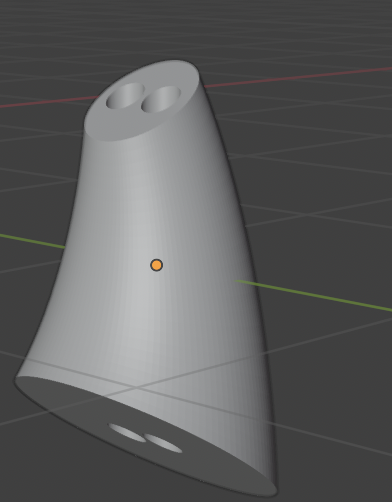
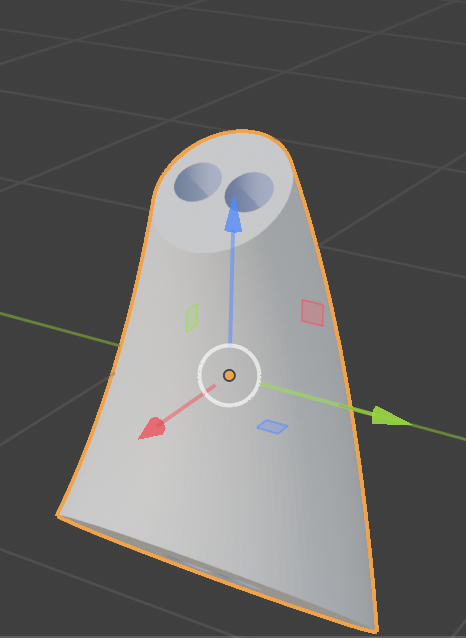
Second I tried to mouth to be embossed in to the shape of the body of the teapot. But because the body of the teapot is an unusual shape it was hard to manage it and the two shapes couldn’t merge together.
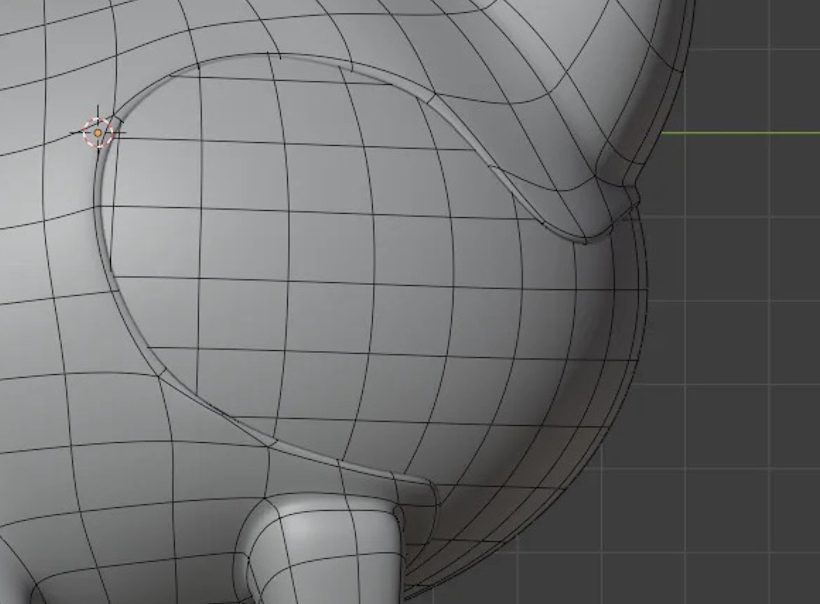
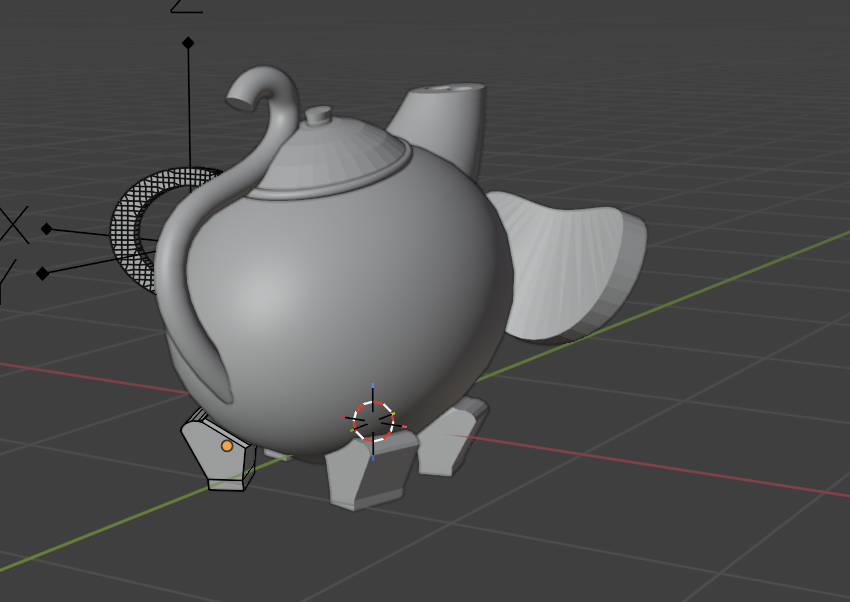
I tried it again with the help of a tutorial that showed how to embosse by using letters. So I tried it with a letter that looked to most like the shape of the mouth. I turned out to only embosse a small part of the shape. so my teapot ended up looking like a grumpy guy.
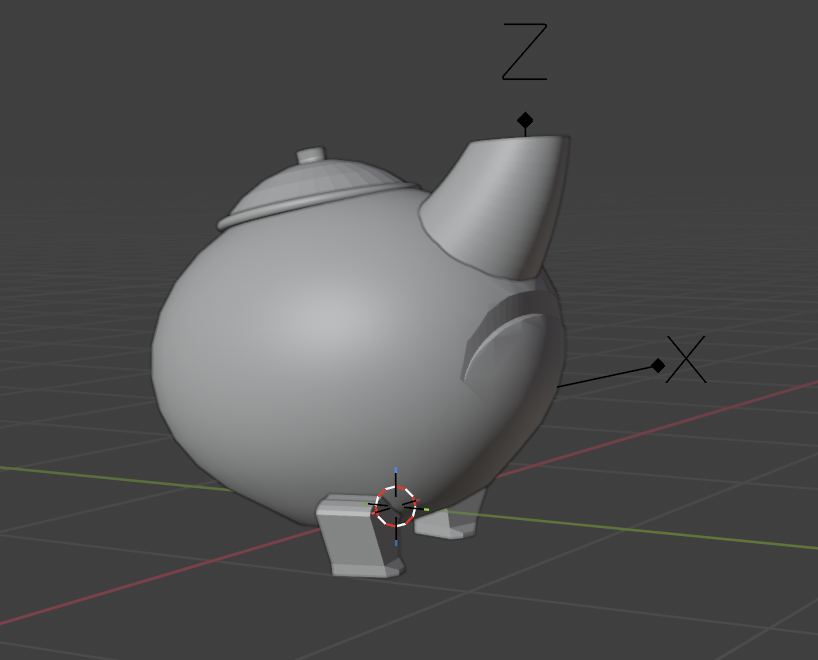
The end result of the second iteration in solid viewport
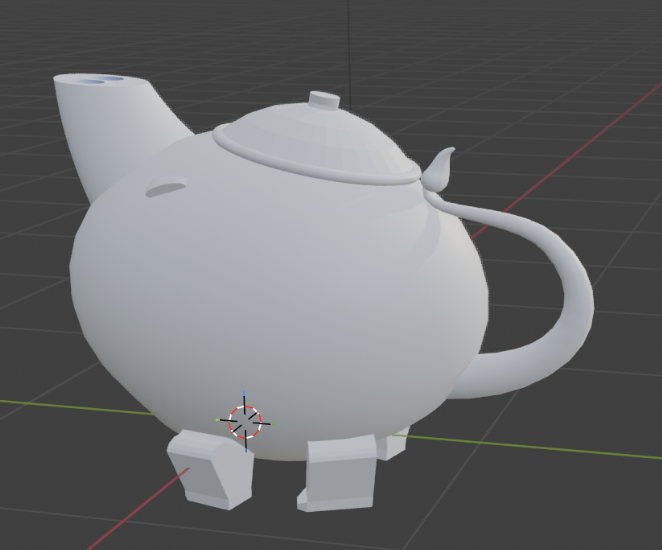
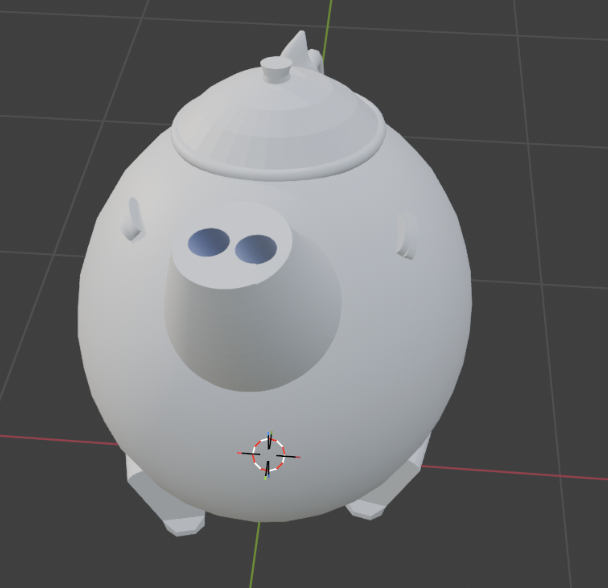
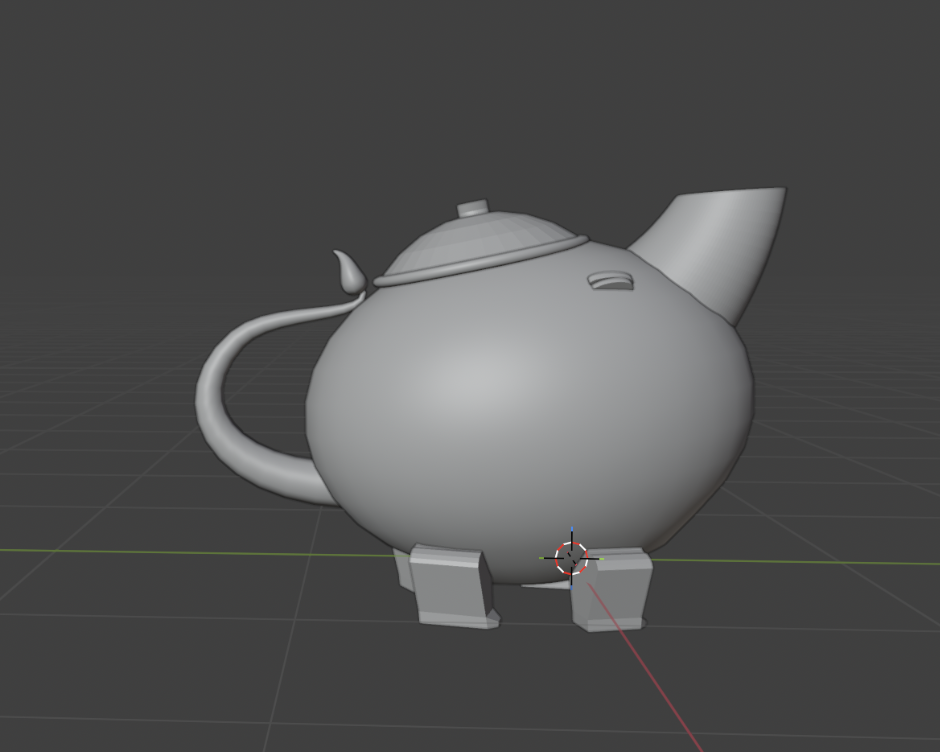
With the right colours but not with the right materials
iteration 3
I wanted to find a way to make the shape more organic. So I tried a new method by using a different modifier.
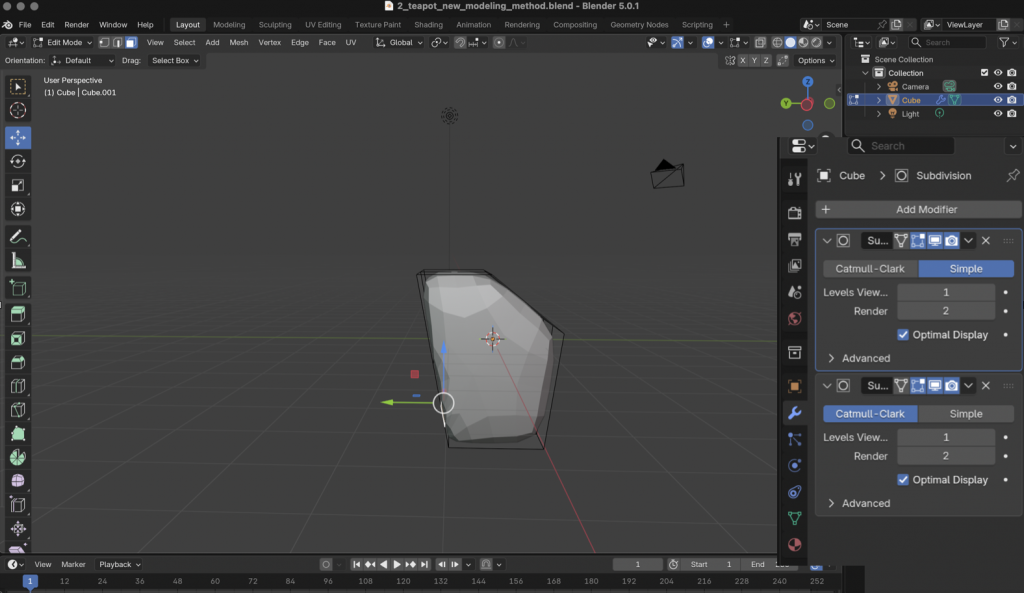
Result in Solid viewport
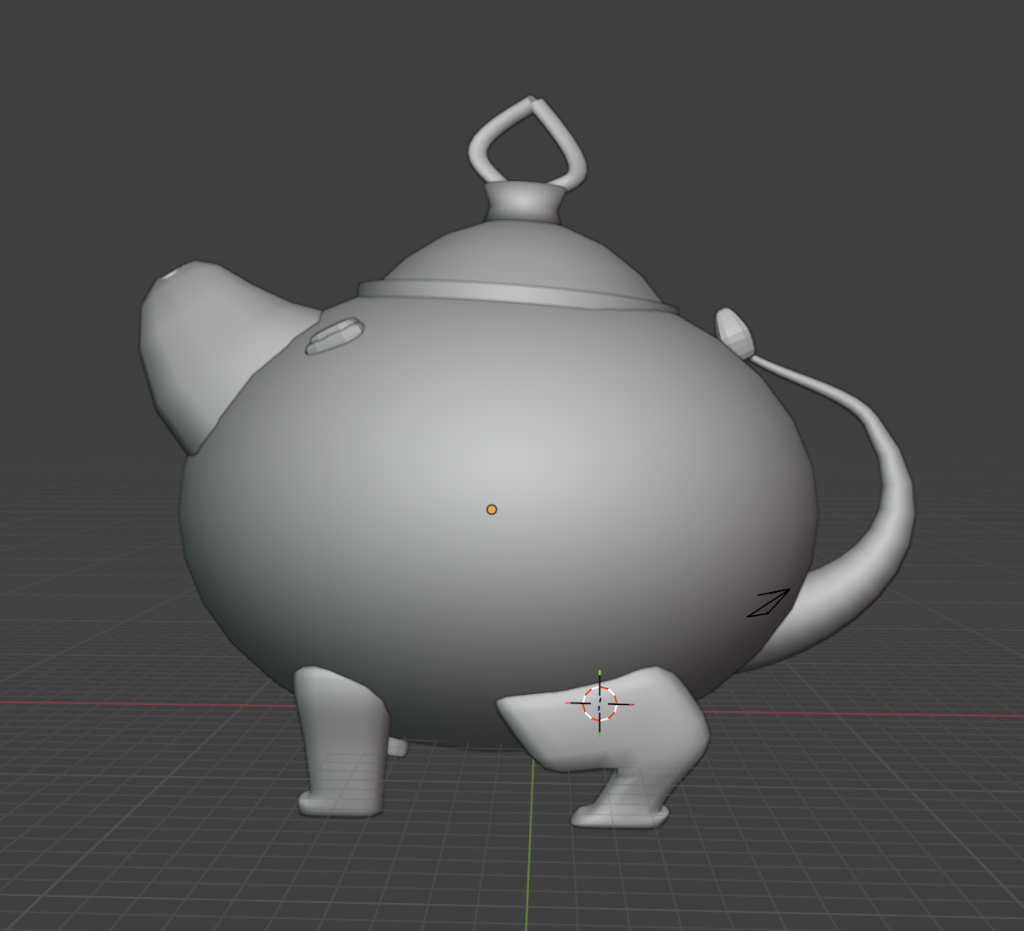
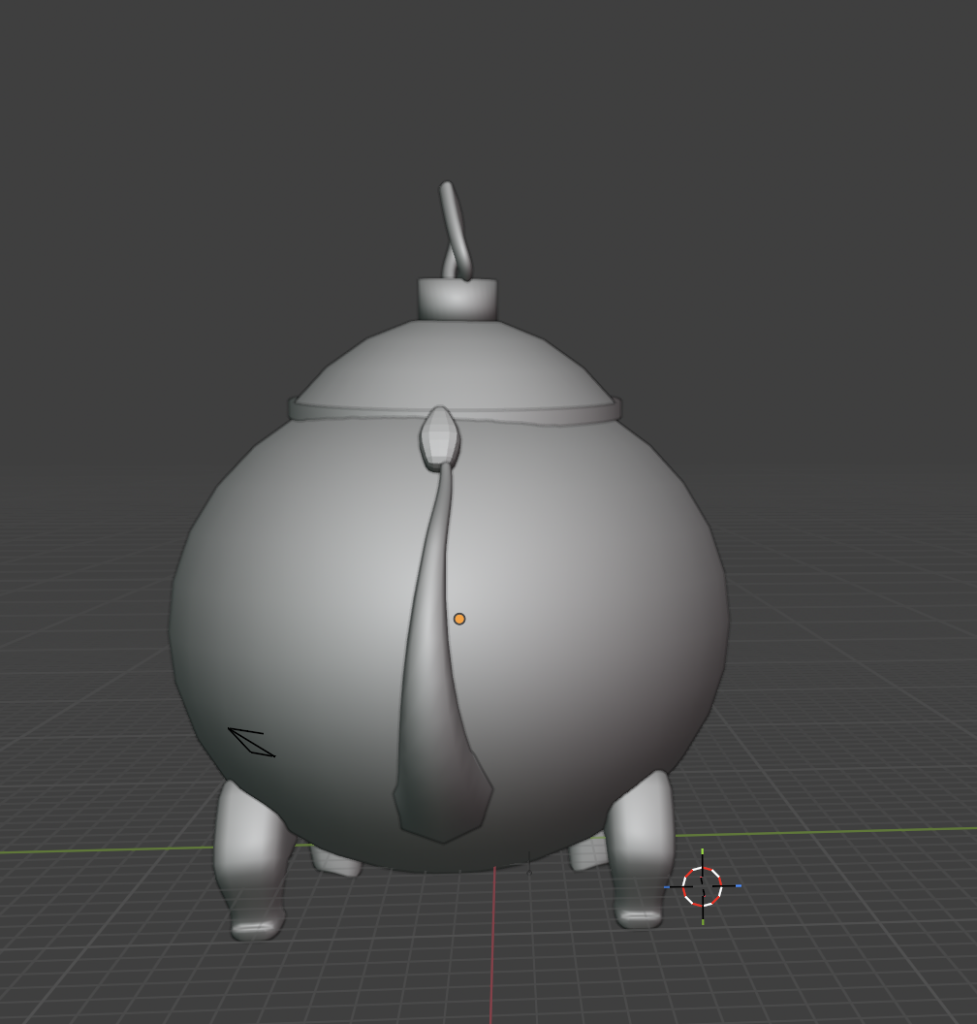
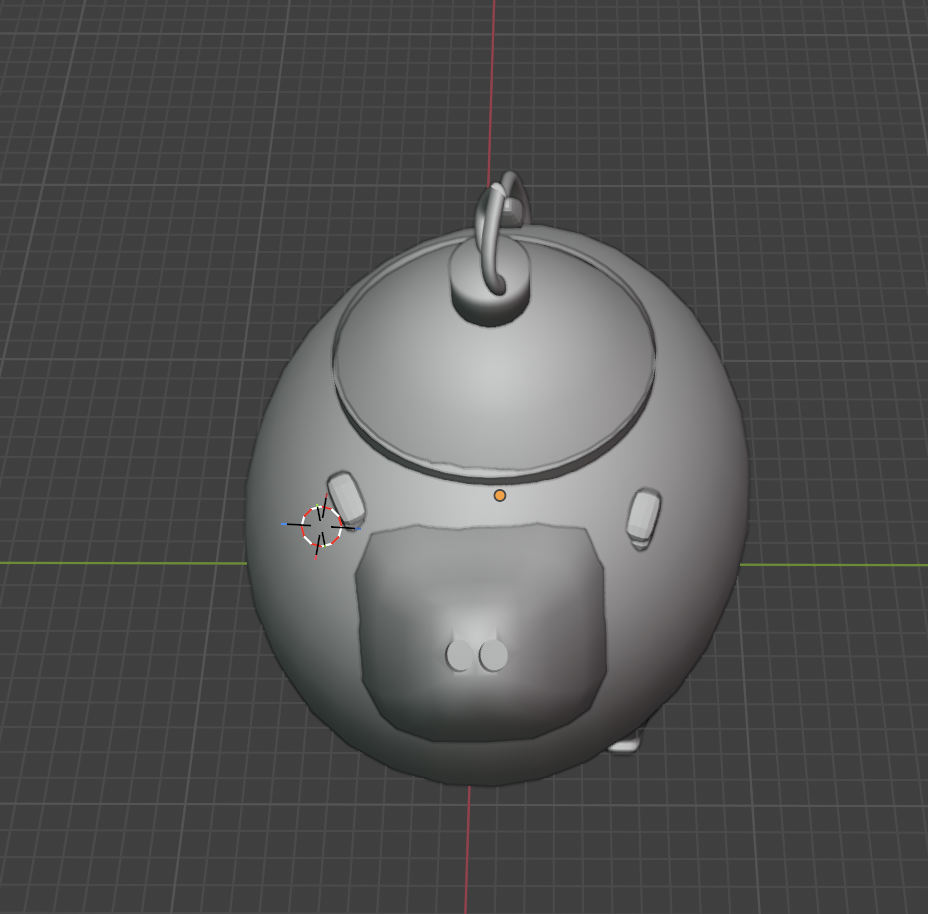
With the porcelain material and gold details
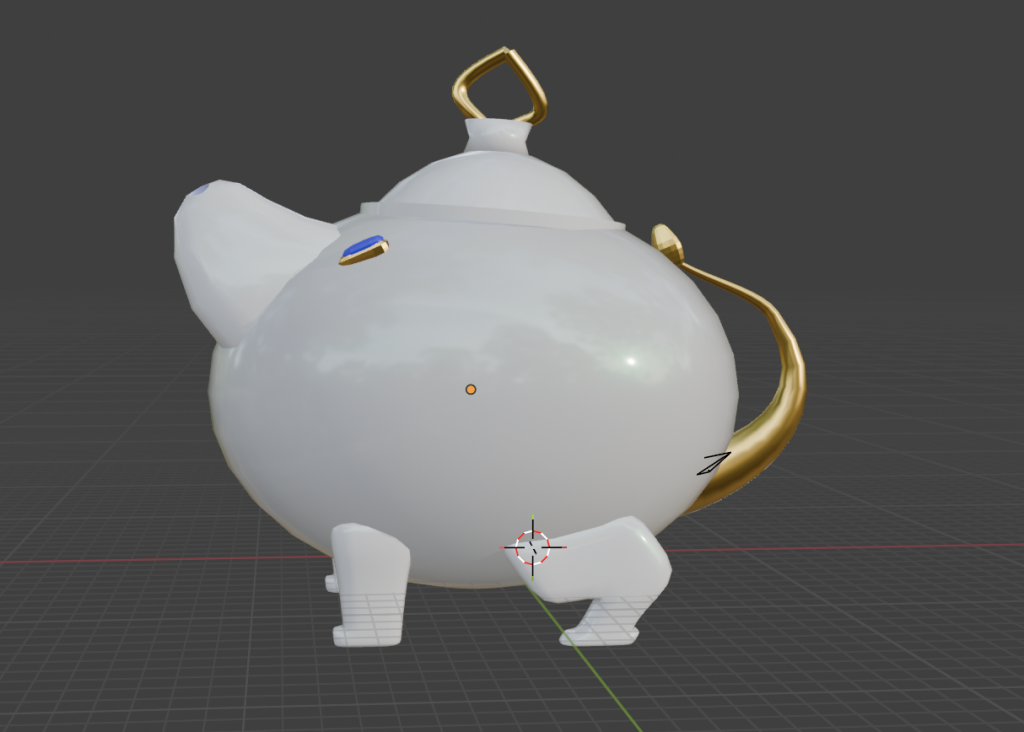
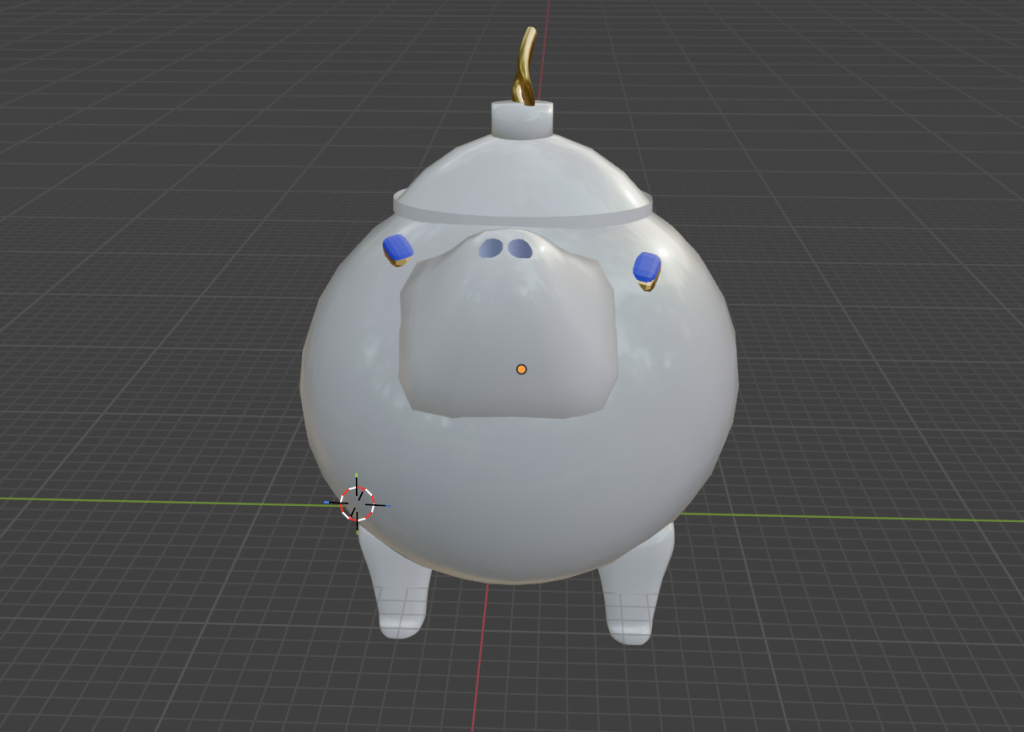
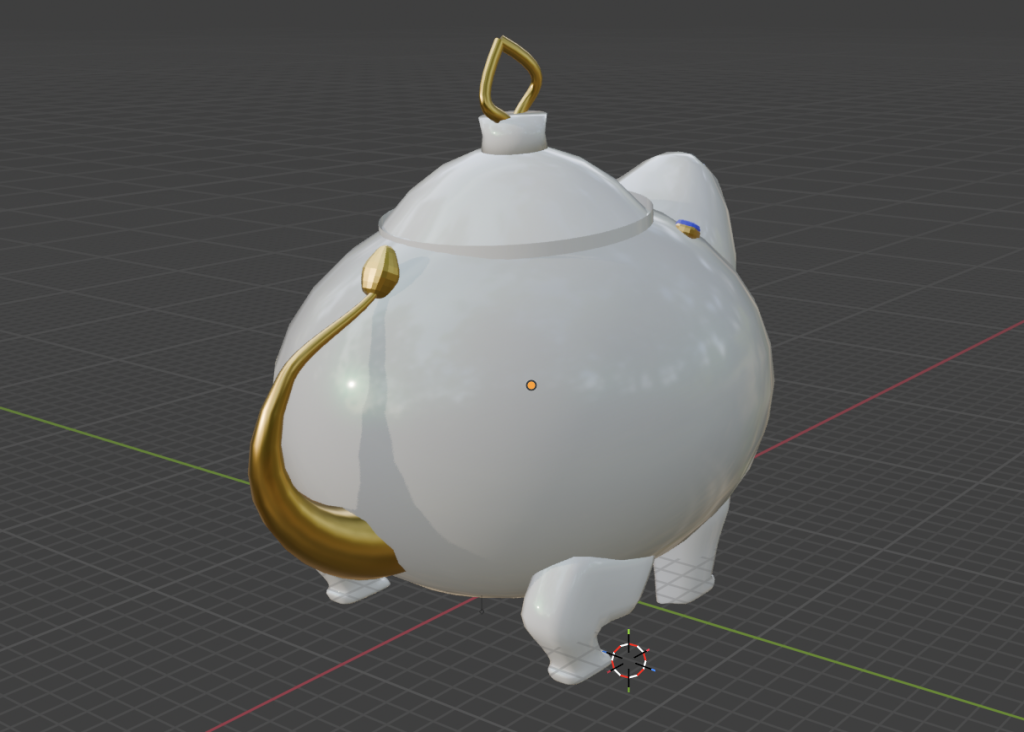
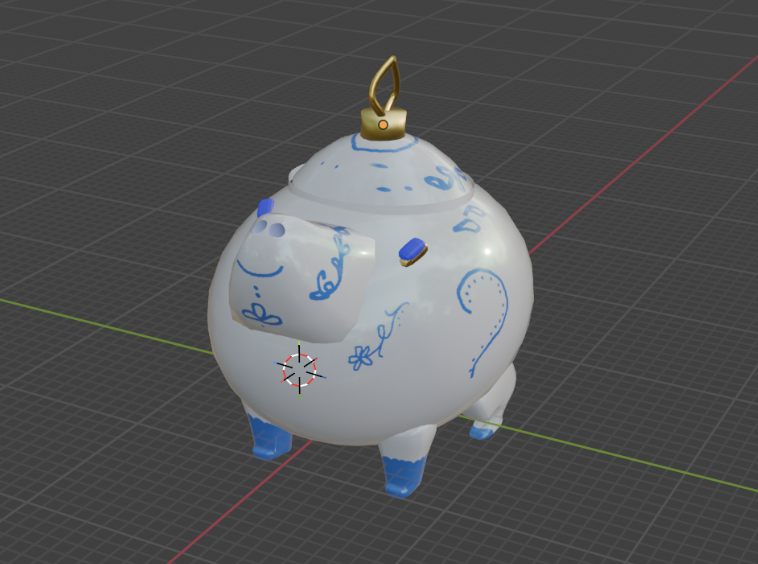
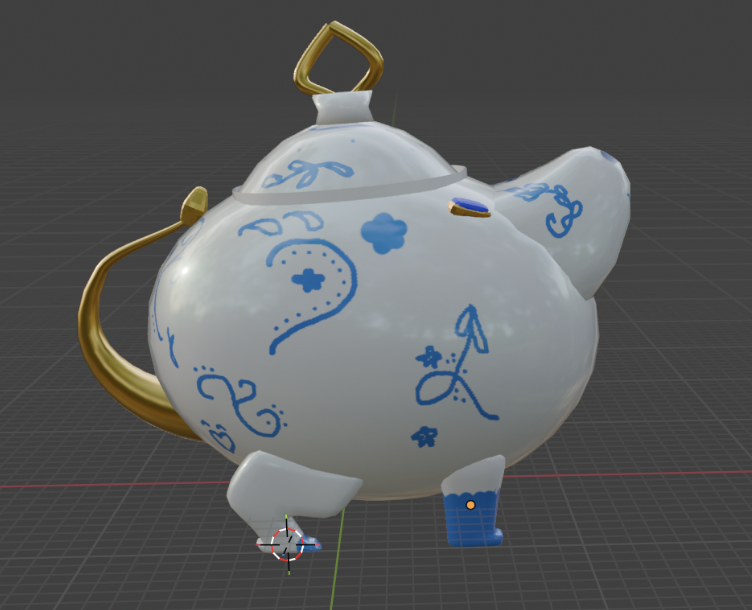
I tried to paint the details on top of it. But it was really hard to draw with the trackpad of my computer.
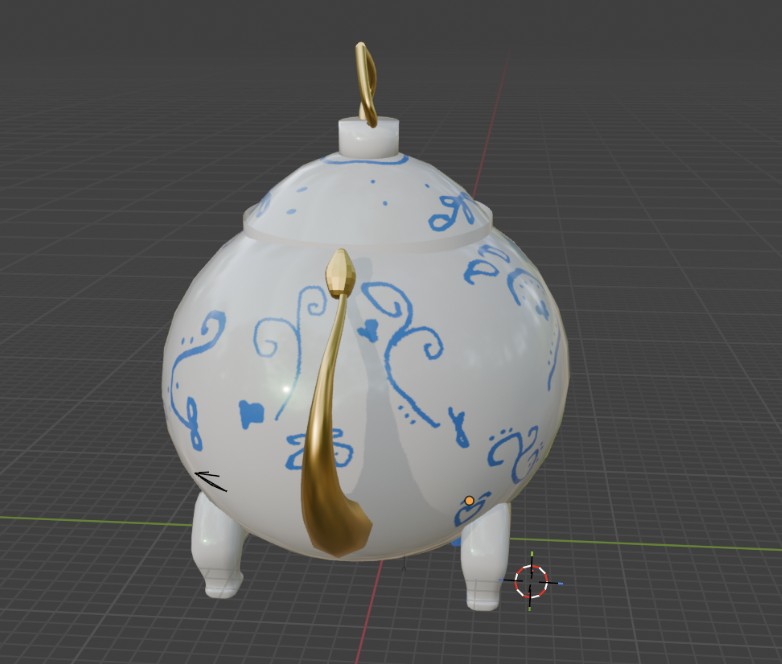
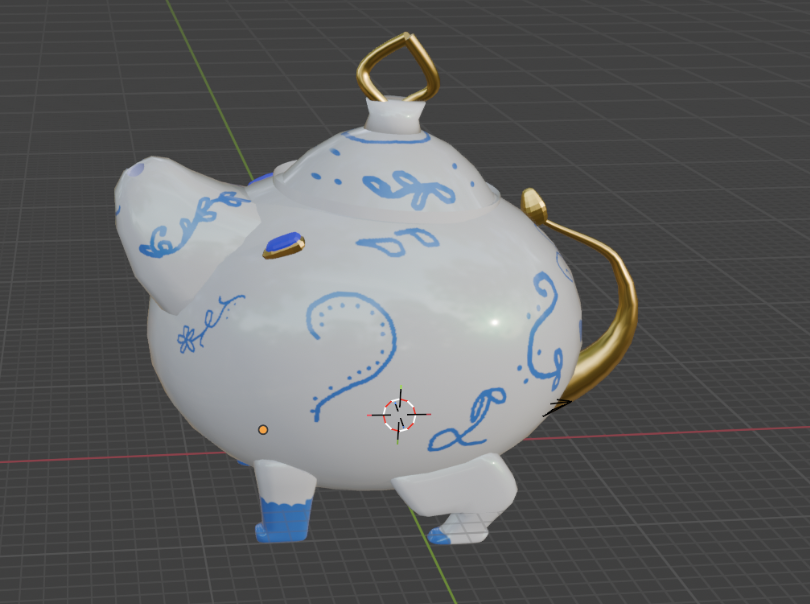
I wanted to compare the world building in Blender to the use of world building of AI. So I explored different AI sites that made 3d renderings to see how it would build different things based on different prompt and images.
First AI site: Meshly
I first uploaded the photo of the teapot to see what AI would build from it. It looks quit similar on the first try. Although there are some weird adaptations.
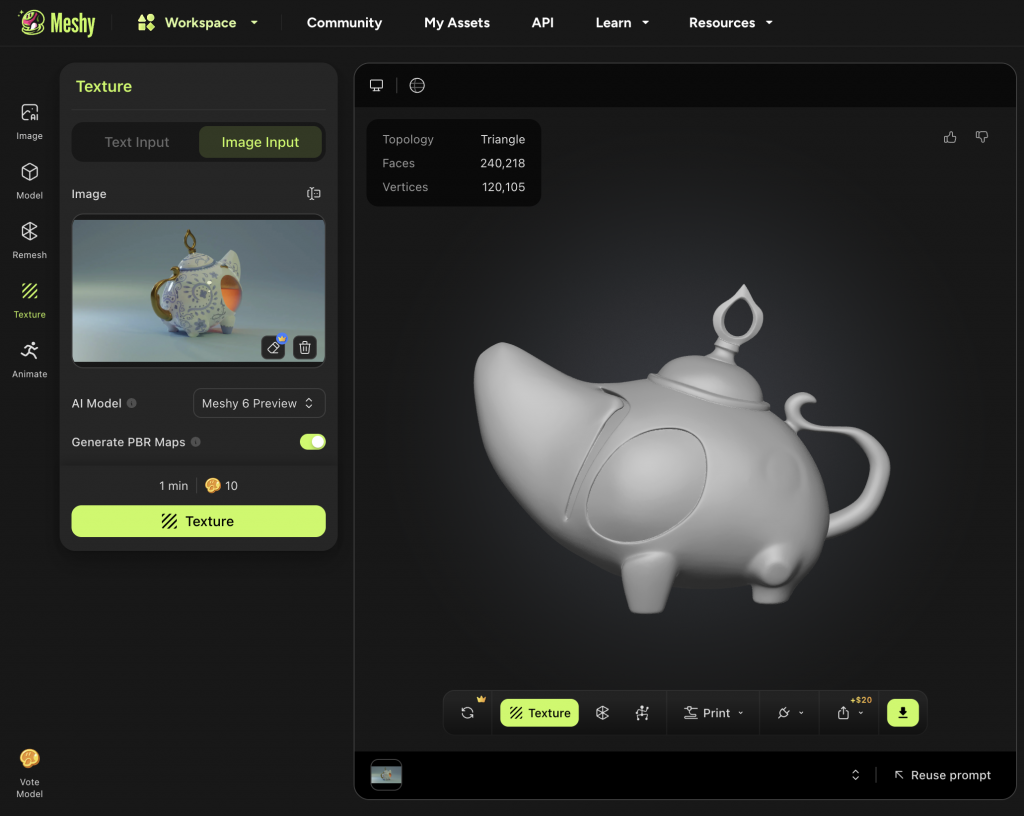
Then I added a prompt to the photo to see what ai would build with two inputs
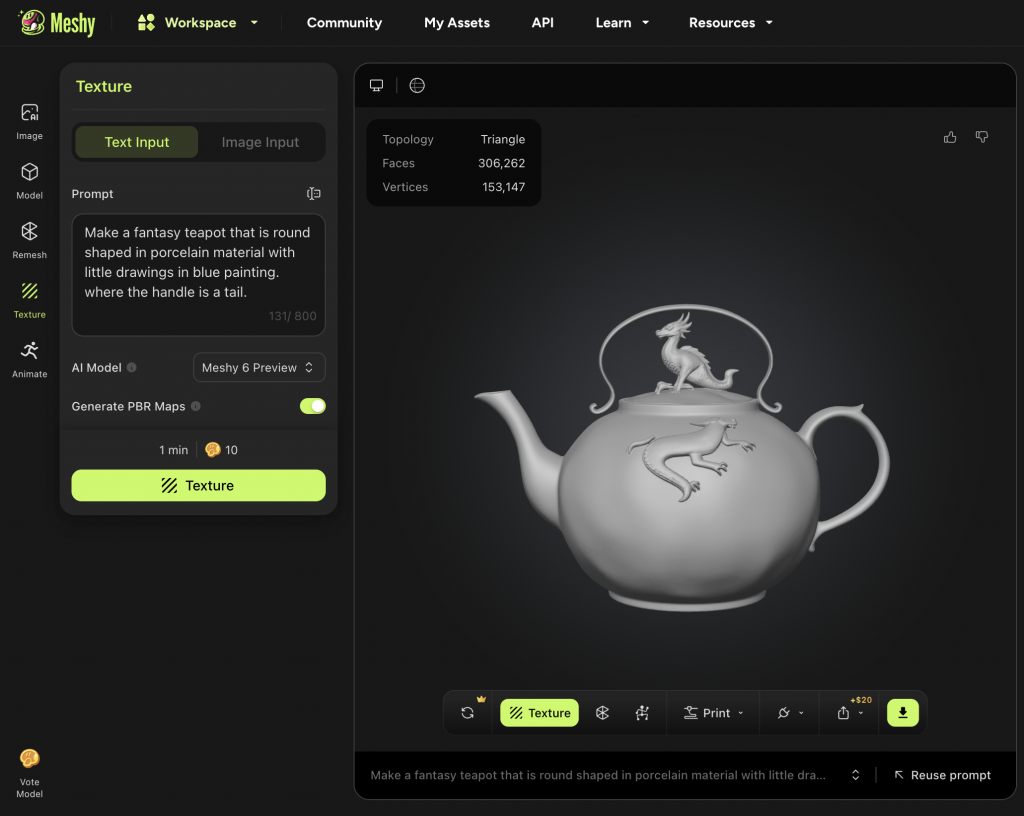
Then I tried it with the exact same prompt but I changed the order of it
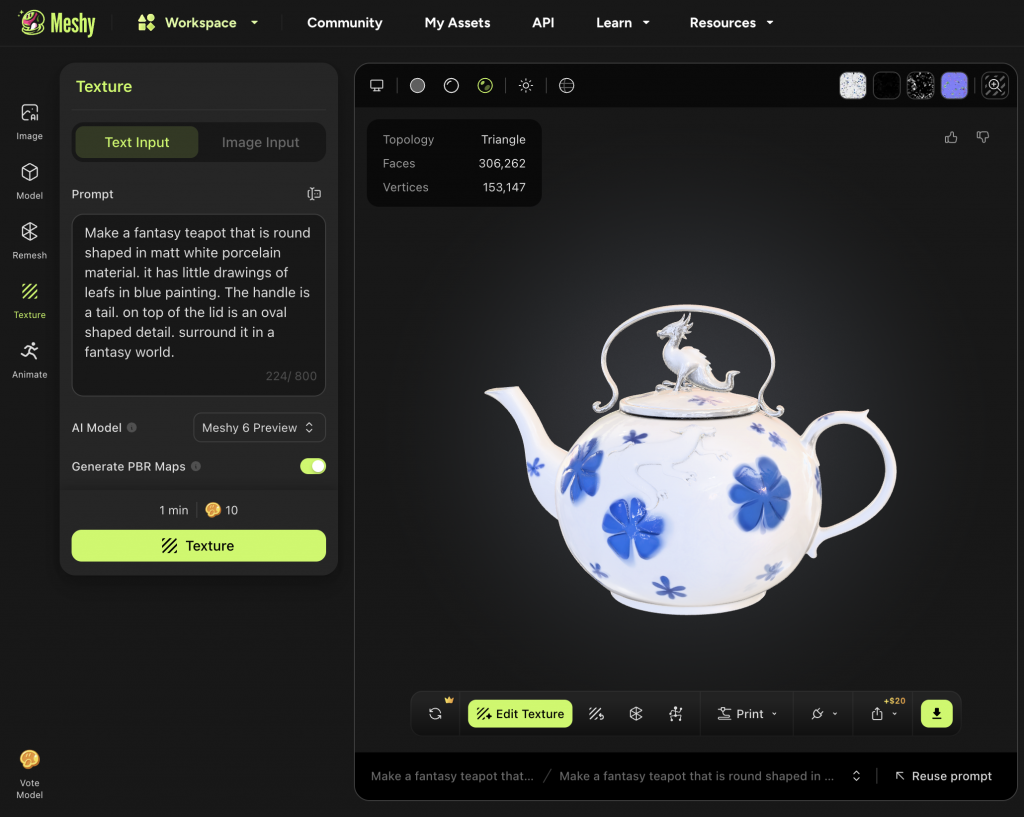
I tried the same prompt but added the photo again
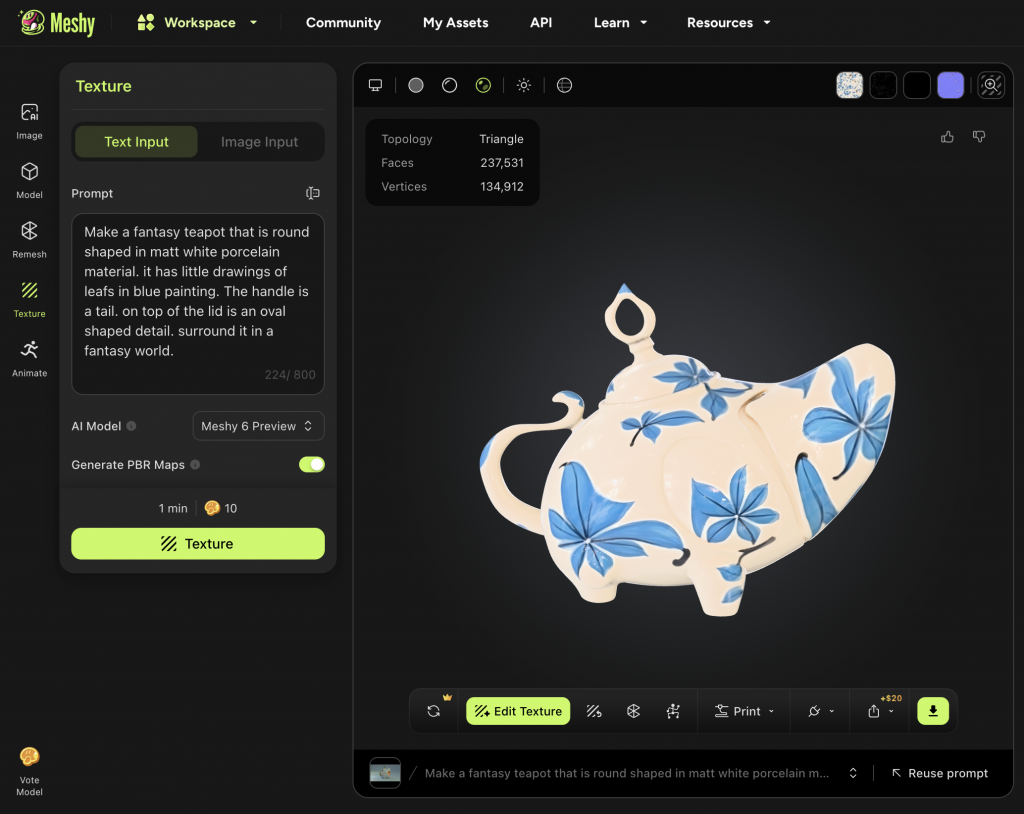
I tried to use a shorter prompt to see what he would build
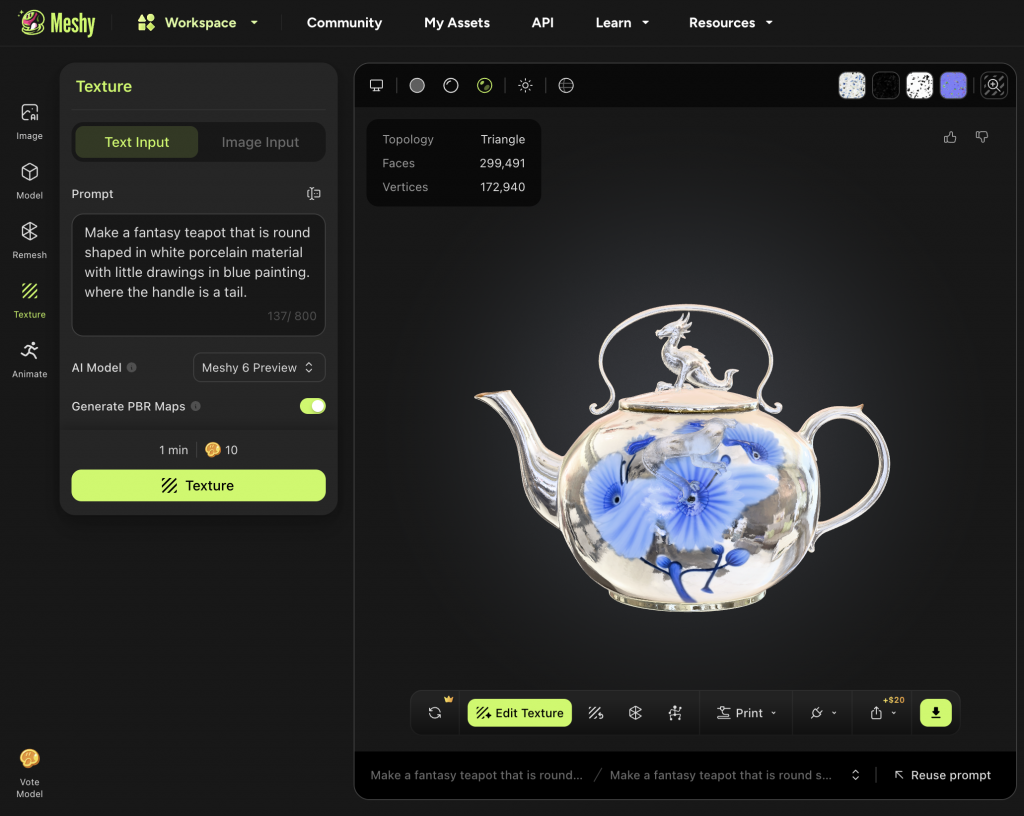
I changed te prompt again to something shorter
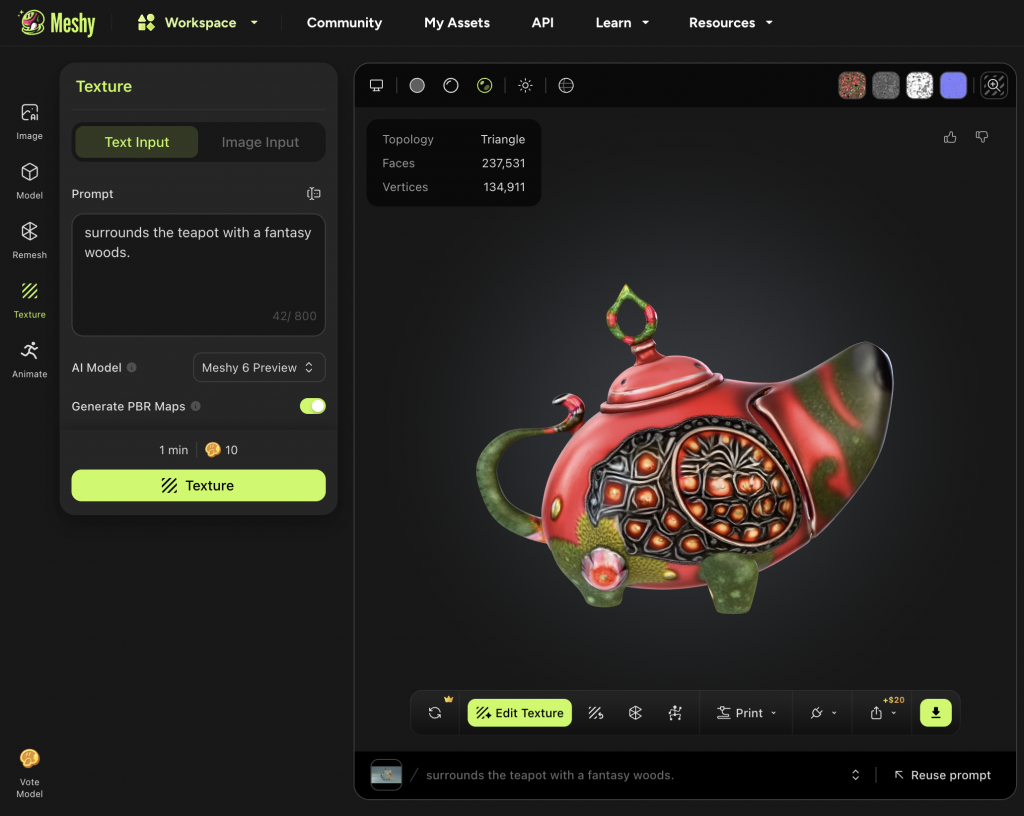
Second AI site: Tripo
I started with importing the photo of the teapot to see what AI would build.
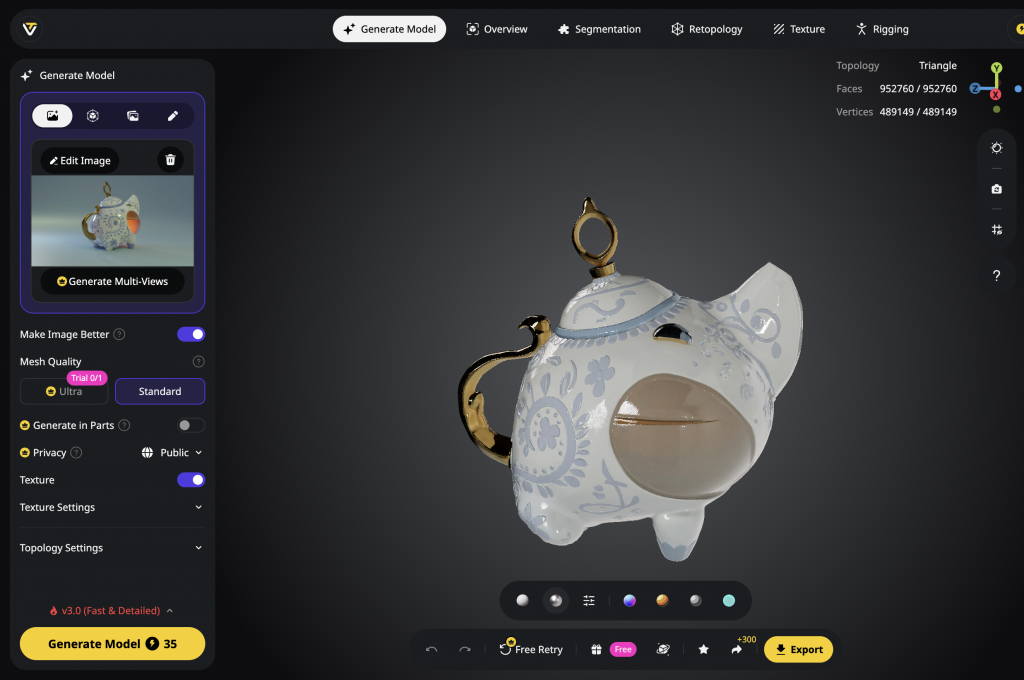
I changed the prompt
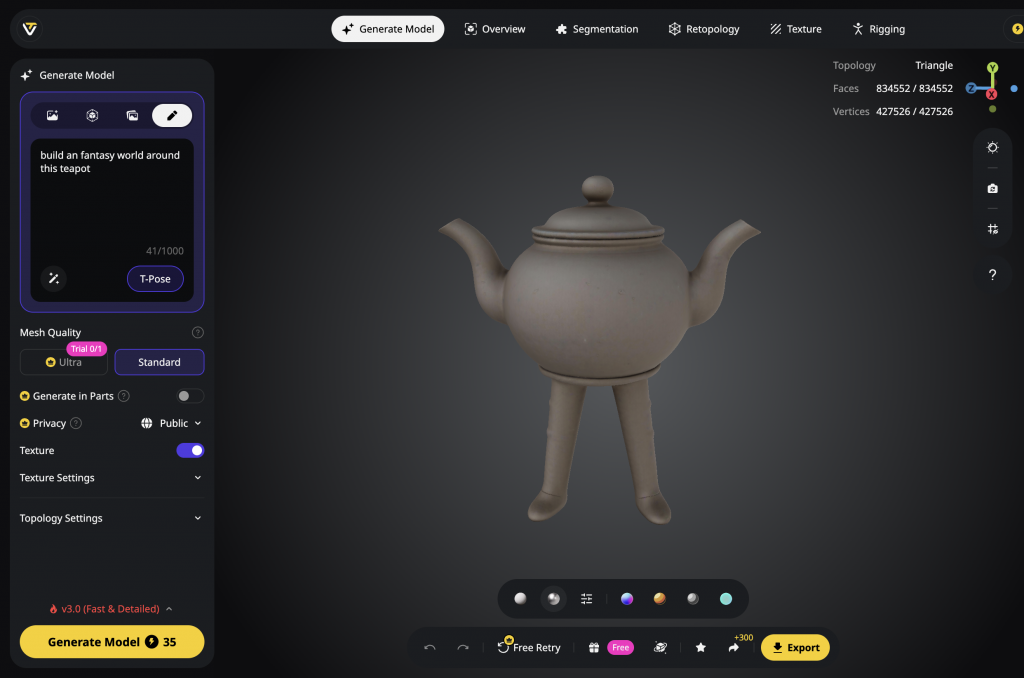
I changed the prompt but added the photo of the team
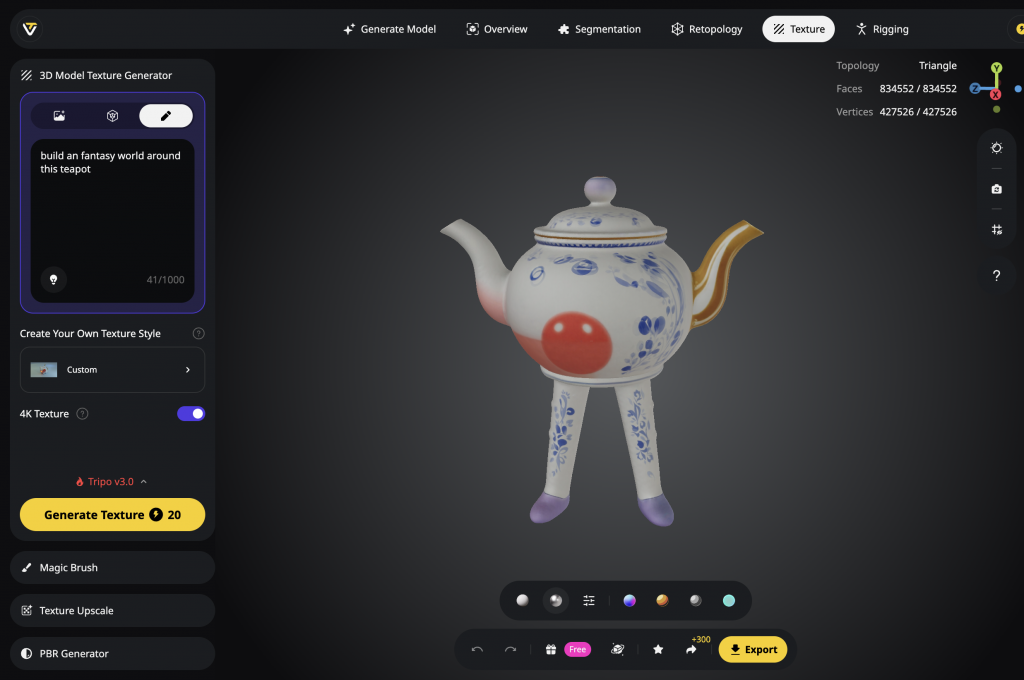
Third AI site: Generate anything
I uploaded the photo of the teapot to see what the site would create. This one looked the most like the original but if you changed the perspective it showed an error in the design.


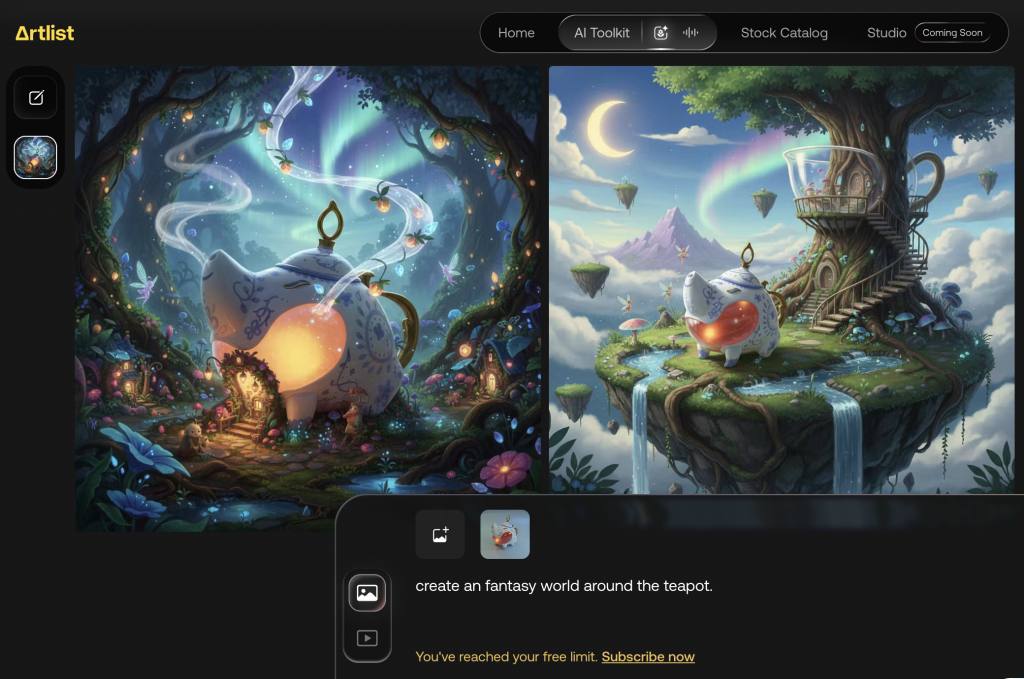
Forth AI Site: Artlist
Added the photo of the teapot and added a prompt
general thoughts on using Ai for world building:
It is Faster to create own world but harder because the quality is not that good.Free sites are easy access but are limited in attempts. It’s also hard to give the right prompt and to really translate your vision into the tool
I wanted to compare both Blender and AI to the 3d and materials tool in Adobe Illustrator. To see how easy this is to build your own build in 3d in an software that doesn’t focus on 3d design.
First tried with some basic shapes and materials
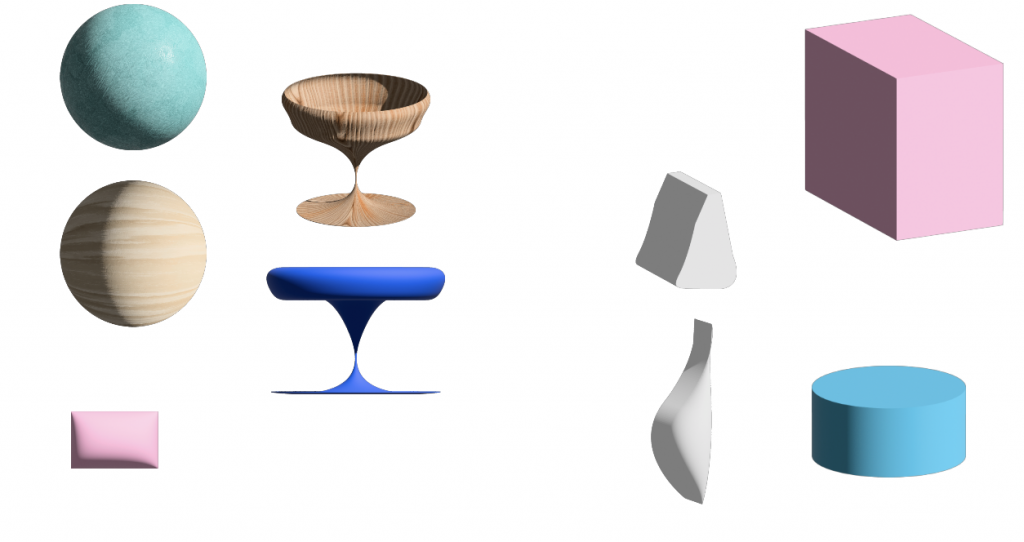
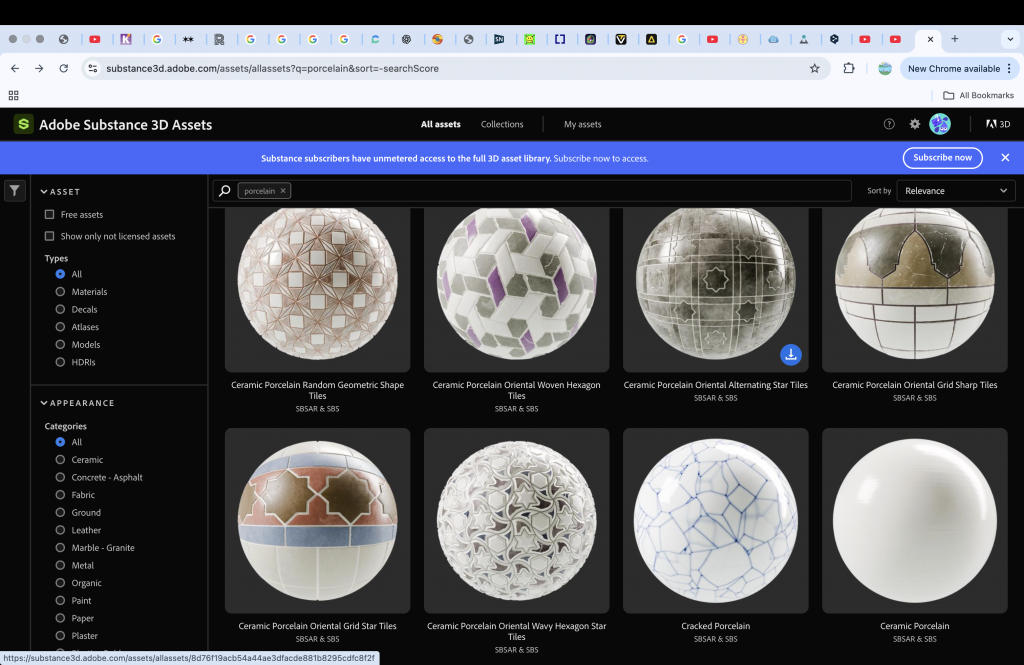
One thing that was really easy in illustrator was applying materials. The library is also directly linked to your account so it is more accessible than the library in blender. You have to pay for this feature
When I tried to make the teapot, it was a lot harder to create them the basic shapes. Because each object had its own light and shadow it was hard to make it look like one object.

general thought on using Adobe illustrator for world building
It was easier to draw different shapes with pen tool. But to render is more difficult with shade and lighting because every piece has its own. Made me question the program because a free program such as blender is more powerful to create than a subscripted one.Easy to make basis 3d. No 360 view so its stays 2d but with the illusion of being 3d. Only the material library is easy to access
Draft 2 of written response
Coeckelbergh, M. Can Machines Create Art?. Philos. Technol. 30, 285–303 (2017). https://doi.org/10.1007/s13347-016-0231-5
Creating your own fantasy world requires a certain level of skill in Blender. Can we really bring an imaginary world to life through this software? How does this compare to using AI as a tool for the same purpose? Both are computer-based methods of creation, but they differ fundamentally in how that creation happens. One gives you the ability to directly shape your world; the other generates it for you, without that hands-on control. But what happens when you don’t have the skills to use Blender? Can you truly create whatever you want, or are you limited by your knowledge of the programme. Adapting your world to the level of skill you have? AI offers another path to creation. With the right prompt, it can produce a fully realised outcome in seconds. But can AI be truly imaginative? Can it create something new that genuinely matches the way you envisioned your work? And how does that outcome compare to something built in Blender? Skills in Blender can be developed over time and with patience, and for 3D worldbuilding I think it remains the most accessible option, given that it is free. Most AI tools for generating 3D models are limited in use and require a paid subscription.
Building your own fantasy world demands a great deal of imagination. Often, when you recreate something from your own mind.
“Can machines create art?” This is a question that arises when we consider the role of AI in a creative context. “A different way to understand the question regarding machines and art is to focus on the outcome and ask: is what the machine creates, the artistic product, really a work of ‘art’? Is machine art really art?”
New reference from reading list: ANDREW BLAUVELT, LUNA MAURER, EDO PAULUS, JONATHAN PUCKEY, AND ROEL WOUTERS
Leave a Reply